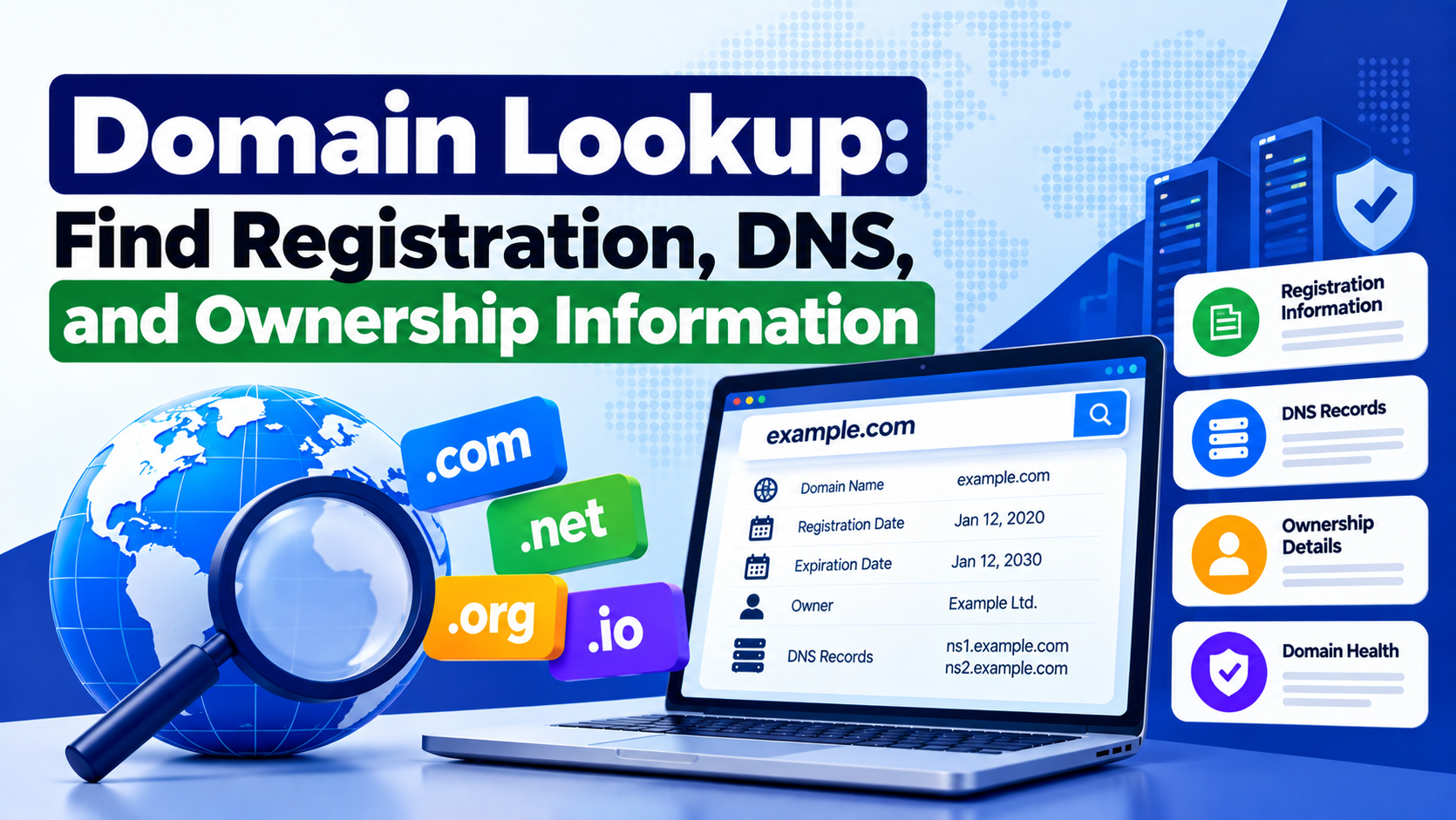

A domain lookup helps you check the current registration and technical details of a domain name. It can show whether a domain is registered, which registrar manages it, when it expires, what nameservers it uses, and how its DNS records are configured.
This information is useful when registering a new domain, buying an existing one, moving a website, troubleshooting DNS, or checking email configuration. A proper lookup can reveal issues before they affect the website.
What Is Domain Lookup?
Domain lookup is the process of retrieving publicly available information connected to a domain name.
Depending on the lookup type, you may find:
- Domain registration status
- Registrar
- Creation date
- Expiration date
- Nameservers
- IP addresses
- DNS records
- Mail server records
- Domain status codes
- Registry information
Some ownership details may be hidden because of privacy protection.
How Does a Domain Lookup Work?
A domain lookup sends a request to registration databases, DNS servers, or RDAP services.
The system then returns the information currently associated with that domain.
For example, a registration lookup may show the registrar and expiration date, while a DNS lookup may show the domain’s A, MX, TXT, and NS records.
Check If a Domain Is Available
A domain availability lookup helps you determine whether a domain is already registered.
For example:
mynewbrand.comIf no active registration exists, the domain may be available to register. If it is already taken, you may need to use another name or extension.
Domain availability can change quickly, so it should always be checked again before purchase.
Check the Domain Registrar
The registrar is the company responsible for managing the domain registration.
It usually handles:
- Renewals
- Transfers
- Domain locking
- Contact information
- Authorization codes
A lookup can normally identify the registrar even when registrant details are private.
Check the Domain Creation Date
The creation date shows when the domain was first registered in the current registry record.
This can help when researching the history of a domain. However, an old registration date does not prove that the same website has existed for the entire period.
The domain may have changed owners, remained inactive, or been used for different purposes.
Check the Domain Expiration Date
The expiration date shows when the current registration period ends.
If a domain is not renewed, it may eventually affect:
- Website availability
- Email delivery
- DNS resolution
- Subdomains
- Connected services
Keeping renewal and billing settings up to date helps reduce this risk.
What Are Domain Status Codes?
Domain status codes describe restrictions or conditions applied to a domain.
Common examples include:
clientTransferProhibited
The domain is locked against transfer.
clientHold
The domain may not resolve through DNS.
redemptionPeriod
The domain has expired and entered a recovery stage.
pendingDelete
The domain is approaching final deletion.
These codes are useful when troubleshooting transfer or expiration problems.
What Are Nameservers?
Nameservers tell the internet where the DNS records for a domain are managed.
Example:
ns1.examplehost.com
ns2.examplehost.com
If nameservers are incorrect, the website may not load even when the hosting server is working.
Nameserver checks are especially important after hosting migrations or DNS provider changes.
What Is DNS Lookup?
A DNS lookup checks the technical records connected to a domain.
These records control how traffic, email, and other services are routed.
Common DNS records include:
- A
- AAAA
- CNAME
- MX
- TXT
- NS
- SOA
Each record has a different purpose.
A Record
An A record connects a domain to an IPv4 address.
Example:
example.com → 203.0.113.10If the record points to the wrong server, the website may load incorrectly or fail completely.
AAAA Record
An AAAA record connects a domain to an IPv6 address.
A domain can use both A and AAAA records.
Both should point to valid infrastructure when enabled.
CNAME Record
A CNAME record points one hostname to another hostname.
Example:
www.example.com → example.comCNAME records are commonly used for subdomains, SaaS services, and CDN configurations.
MX Record
MX records control incoming email delivery.
If these records are incorrect, email may stop working even if the website loads normally.
MX lookup is especially important when moving email to a new provider.
TXT Record
TXT records are commonly used for:
- SPF
- DKIM
- DMARC
- Domain verification
- Third-party authentication
Incorrect TXT records can cause email authentication or service verification issues.
NS Record
NS records identify the authoritative nameservers responsible for the domain.
They confirm which DNS servers should provide official responses.
Incorrect NS records can affect the entire DNS zone.
SOA Record
The SOA record contains administrative information about the DNS zone.
It may include:
- Primary nameserver
- Serial number
- Refresh interval
- Retry interval
- Expiration values
This record is mainly useful for advanced DNS troubleshooting.
Domain Lookup Before Registering a Domain
Before registering a new domain, check more than just availability.
Review:
- Name length
- Spelling
- Brand relevance
- Domain extension
- Trademark conflicts
- Previous history
A domain should be easy to remember and suitable for long-term use.
Domain Lookup Before Buying an Existing Domain
An existing domain should be researched carefully before purchase.
Check:
- Registrar
- Expiration date
- Domain status
- Nameservers
- Previous website use
- Backlink history
- Spam history
- Search visibility
- Trademark risks
A good domain name can still have a poor previous history.
Domain Lookup for Expired Domains
Expired domains do not always become available immediately.
A typical lifecycle may include:
- Expiration
- Renewal grace period
- Redemption period
- Pending deletion
- Registry release
- Public availability
The exact process depends on the registry and domain extension.
Domain Lookup for Website Migration
Domain lookup is useful before and after moving a website.
Check:
- Nameservers
- A record
- AAAA record
- CNAME records
- MX records
- TXT records
This helps confirm that website and email services are still pointing to the correct destinations.
Domain Lookup for Email Problems
Many email problems are caused by DNS configuration.
Check:
- MX records
- SPF
- DKIM
- DMARC
Incorrect records can lead to failed delivery, authentication errors, or spam placement.
Domain Lookup for Website Downtime
If a website is offline, domain lookup can help narrow down the cause.
Check these first:
- Registration status
- Expiration date
- Nameservers
- A record
- AAAA record
- DNSSEC
If these are correct, the problem may be located on the hosting server or application.
Domain Lookup for Technical SEO
Domain lookup can support technical SEO troubleshooting.
It can help identify:
- DNS failures
- Hosting migration errors
- Wrong IP addresses
- Broken subdomains
- Domain expiration
- Nameserver problems
If search engines cannot resolve the domain, they cannot crawl the website.
Does Domain Age Affect SEO?
Domain age alone does not guarantee better rankings.
Older domains may have useful backlinks, history, or brand recognition, but those factors should be analyzed separately.
A newer domain can still perform well with strong technical SEO, content, and authority.
Domain Lookup and WHOIS
WHOIS is a traditional system for retrieving domain registration information.
It may show:
- Registrar
- Registration dates
- Nameservers
- Domain status
Personal registrant information is often hidden today.
Domain lookup is broader because it can include WHOIS, DNS, IP, and other technical information.
Domain Lookup and RDAP
RDAP stands for Registration Data Access Protocol.
It provides structured registration data for domains and other internet resources.
RDAP can include:
- Registrar details
- Registration dates
- Domain status
- Nameservers
- Registry data
Its structured format makes it easier for modern applications and APIs to process.
Domain Lookup vs DNS Lookup
| Domain Lookup | DNS Lookup |
|---|---|
| Checks registration information | Checks DNS configuration |
| Shows registrar | Shows A, MX, TXT, NS records |
| Shows expiration | Shows service routing |
| Shows domain status | Shows current DNS records |
| May use WHOIS or RDAP | Queries DNS servers |
A complete domain check usually uses both.
Domain Lookup vs Hosting Lookup
A hosting lookup focuses more on the server and network environment.
A domain lookup focuses on registration and DNS.
A website may use different companies for:
- Domain registration
- DNS
- Hosting
- CDN
That is why the registrar does not always identify the hosting provider.
Common Domain Lookup Problems
Lookup results can sometimes appear incomplete or outdated.
Common reasons include:
- DNS caching
- Privacy protection
- Recent transfers
- Nameserver changes
- Registry delays
- Expired domain stages
For important technical work, authoritative registration and DNS information should be preferred.
Frequently Asked Questions
What does a domain lookup show?
A domain lookup can show registrar information, registration dates, expiration dates, nameservers, DNS records, IP addresses, and status codes.
Can I check if a domain is available?
Yes. A lookup can show whether a domain currently has an active registration.
Can I find the domain owner?
Sometimes, but personal registrant information is often hidden because of privacy protection.
Can domain lookup show the hosting provider?
It can provide DNS and IP information that may help identify hosting infrastructure, although CDN or proxy services can hide the origin server.
Can domain lookup help with email issues?
Yes. MX, SPF, DKIM, and DMARC records can help diagnose many email configuration problems.
Can domain lookup help with website downtime?
Yes. It can reveal expired domains, incorrect nameservers, or wrong DNS records.
Is domain lookup useful for SEO?
Yes, mainly for technical SEO checks involving DNS, migrations, crawlability, and domain status.
Is domain lookup free?
Basic domain lookup is usually free, while advanced historical data, bulk checks, APIs, and monitoring may require payment.
Conclusion
A domain lookup gives you a clear view of a domain’s registration and technical setup. It can help you check availability, registrar details, expiration dates, nameservers, DNS records, email settings, and domain status.
Using domain lookup before registration, migration, purchase, or troubleshooting can help prevent DNS errors, downtime, email issues, and domain management problems.